
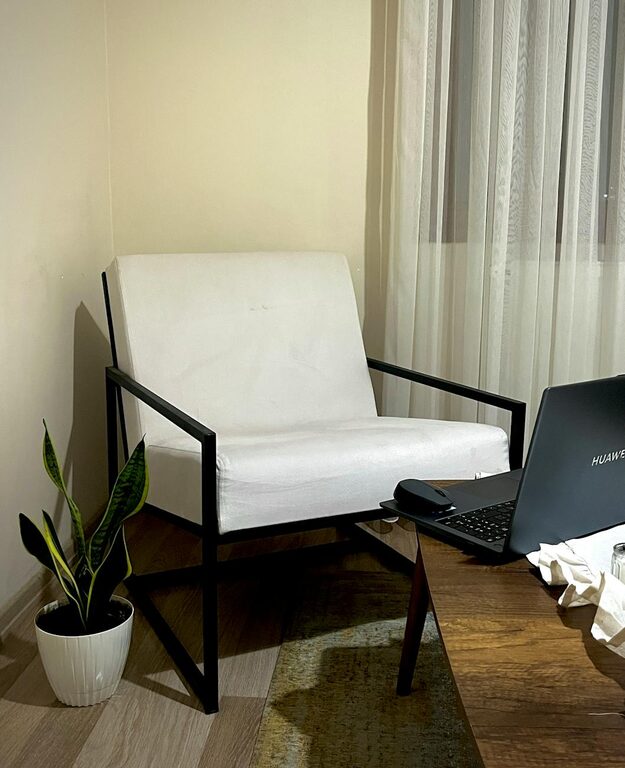
Creating a relaxing home workspace is essential for maintaining focus, reducing stress, and improving overall productivity. Whether you work remotely full-time or just need a quiet corner for occasional tasks, your workspace should feel inviting and calm. Here’s a step-by-step guide to help you design an area that supports your work and well-being.
Why a Relaxing Workspace Matters
Working from home eliminates the traditional office commute but can also blur the boundaries between work and personal life. A well-designed workspace helps you switch into “work mode” and minimizes distractions. Moreover, a comfortable and peaceful environment can improve your mood and creativity.
Choose the Right Location
Start by selecting a spot in your home where you feel comfortable and can focus.
– Natural light: Aim for a space near a window to enjoy natural sunlight.
– Quiet environment: Pick an area away from high-traffic zones or noisy appliances.
– Separation: If possible, choose a room or corner that’s distinct from where you relax or sleep.
Invest in Comfortable Furniture
Your furniture sets the foundation for comfort and good posture.
– Ergonomic chair: Look for adjustable height, lumbar support, and cushioning.
– Desk height: Choose a desk that allows you to keep your arms at a 90-degree angle.
– Flexibility: Consider a sit-stand desk or add a footrest to vary your posture.
Declutter and Organize
A cluttered workspace can increase stress and reduce productivity. Keep your area tidy by:
– Using organizers such as trays, file holders, and drawer dividers.
– Removing unnecessary items to maintain a clean surface.
– Keeping only essential tools and supplies within reach.
Add Personal Touches
Personalization can make your workspace inviting and motivating. Consider:
– Adding plants for a natural touch and improved air quality.
– Displaying photos or artwork that inspire you.
– Using colors that calm you, like soft blues or greens.
Control Lighting and Screen Glare
Proper lighting reduces eye strain and fatigue.
– Use desk lamps with adjustable brightness.
– Position your screen perpendicular to windows to avoid glare.
– Consider anti-glare screen protectors if needed.
Incorporate Soothing Scents and Sounds
Creating a sensory-friendly environment can enhance relaxation.
– Use essential oil diffusers or candles with calming scents like lavender or eucalyptus.
– Play soft background music or white noise to block distractions.
Establish Boundaries and Routine
Finally, a relaxing workspace isn’t just about the physical space; it’s about how you use it.
– Set specific work hours to create structure.
– Take regular breaks and stretch.
– Keep work materials confined to your workspace to avoid spillover into personal areas.
Maintenance Tips
– Clean your workspace regularly to keep it inviting.
– Reassess your setup periodically to ensure it meets your evolving needs.
– Stay mindful of ergonomics as your habits and equipment change.
—
Creating a relaxing home workspace requires attention to both physical setup and daily habits. By choosing the right location, maintaining organization, and adding personal and sensory touches, you’ll build an environment where you can work comfortably and efficiently. Start small and adjust over time to find what works best for you.